Calculation statistics
Calculation statistics show the popularity of vehicles based on data captured from lenders. This article explains how to access the page, filter and print the data, and understand the data types available.
Accessing Calculation statistics
You can access Calculation statistics via the welcome banner or the navigation panel.
Filtering and printing
Similarly to Proposal statistics, you can filter Calculation statistics using the date parameters at the top and the retailer selector on the left. To print, select Print near the date parameters.
Data types
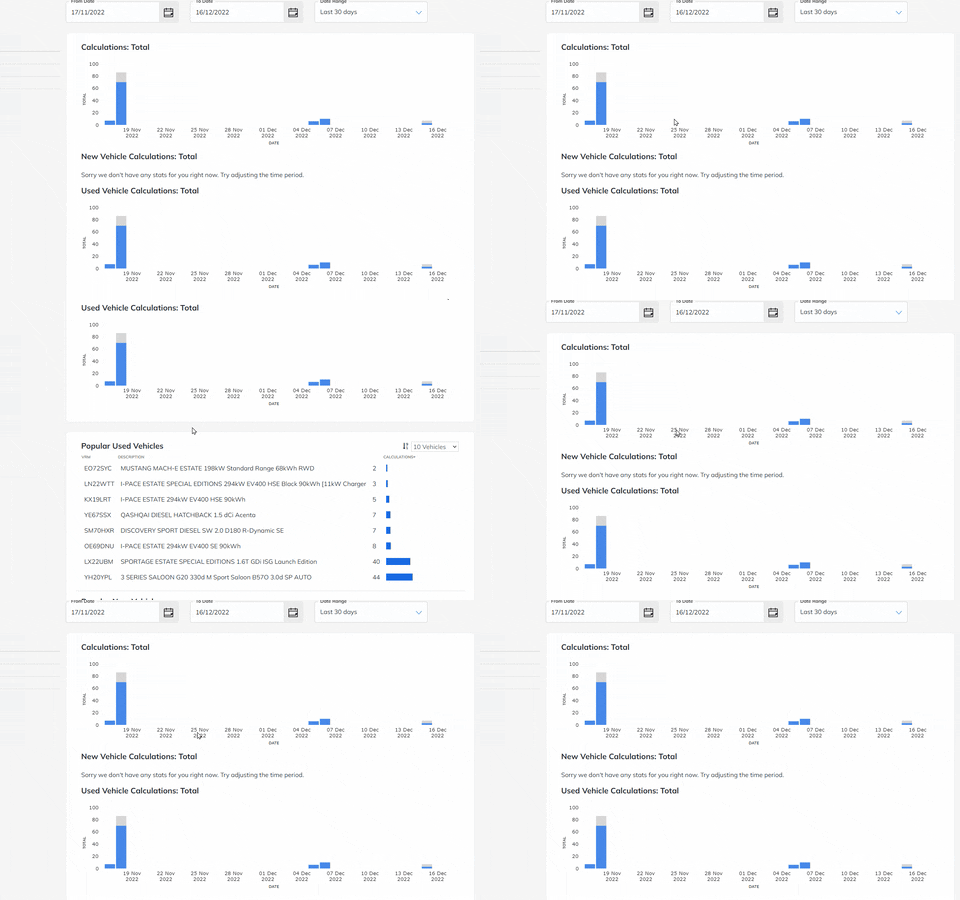
The Calculation statistics page shows five subcategories of vehicle data.
- Calculations: Total — the total number of vehicles requested and the total number bought.
- New Vehicle Calculations: Total — the number of new vehicles purchased.
- Used Vehicle Calculations: Total — the total number of used vehicles bought.
- Popular Used Vehicles — a list of the most popular used vehicles.
- Popular New Vehicles — a list of the new vehicles most frequently sold.
The first three categories are displayed as graphs.
Popular Used Vehicles and Popular New Vehicles are displayed as tables. To sort by popularity, select the arrowhead beneath Calculations.
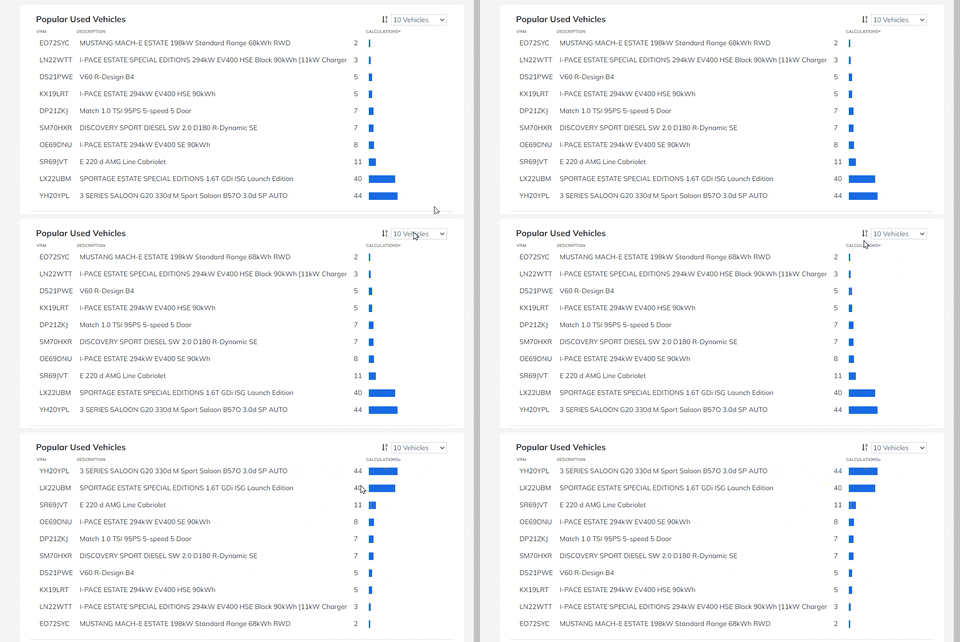
Screenshots show example data. Your portal will look the same with your own organisation's data and settings.