Retailers
The Retailers section of Lender Hub lets you view the active and inactive campaigns associated with each retailer. Select Retailers from the navigation panel to access it.
Retailer details
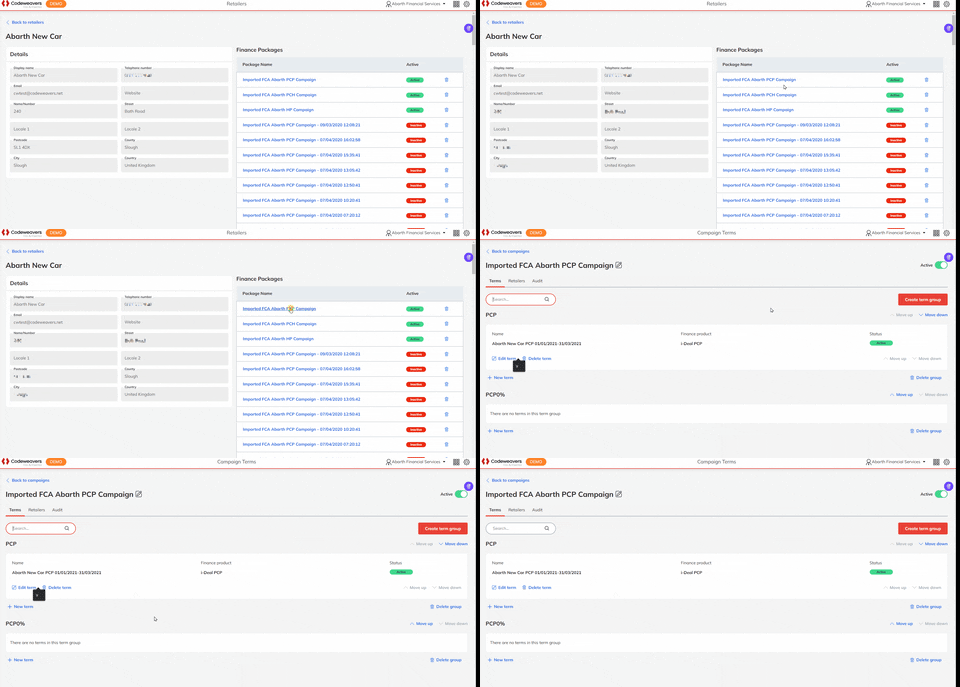
Each retailer's page has two cards: Details and Finance Packages.
The Details card contains the retailer's contact information. Finance Packages lists all active and inactive campaigns for that retailer. Select a finance package to view its Campaign Terms page.
Screenshots show example data. Your portal will look the same with your own organisation's data and settings.